
Delete your account
You can permanently delete your Let's Go There account and all of the data associated with it directly from the app. This page explains how, and exactly what gets removed.
Delete from the app
- Open the Let's Go There app and sign in.
- Go to the Settings tab.
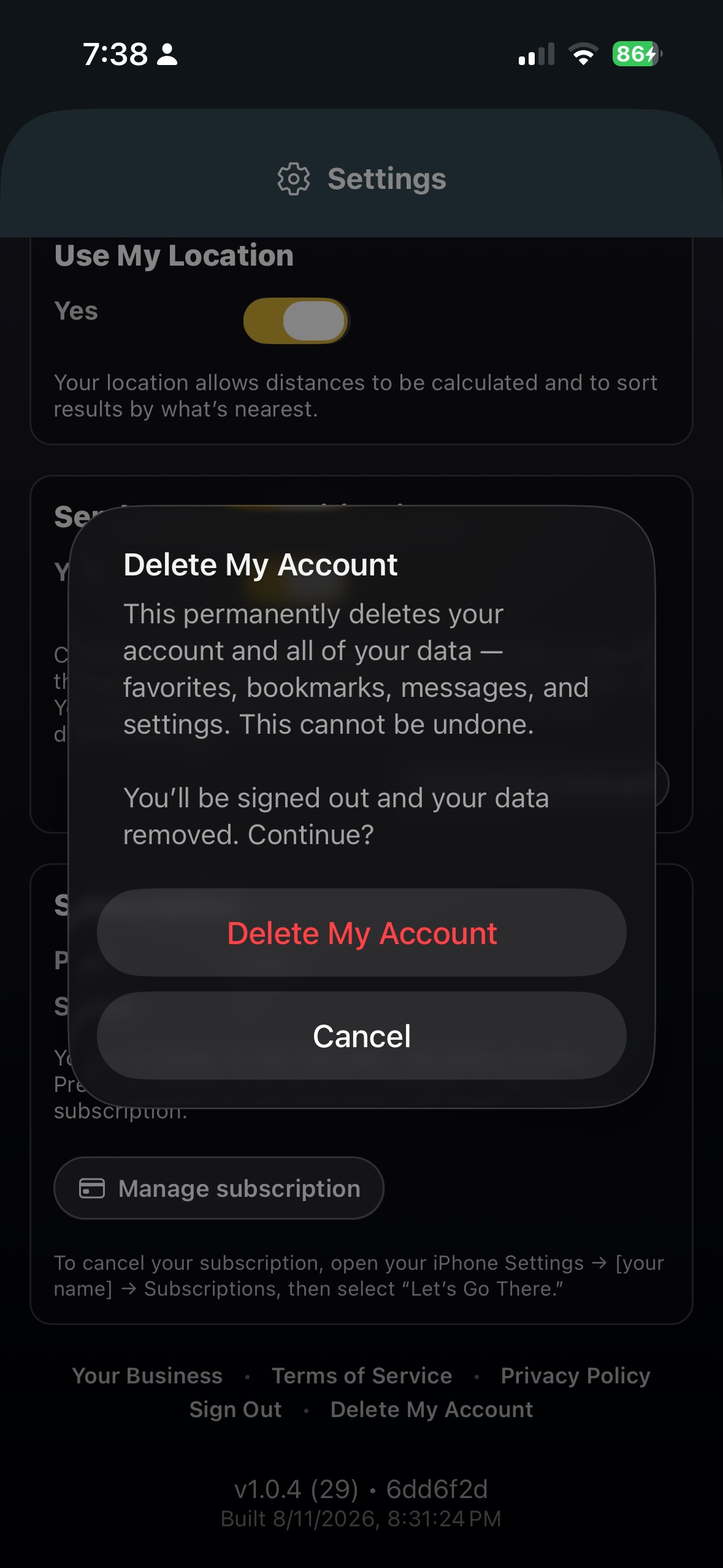
- Scroll to the bottom and tap Delete My Account.
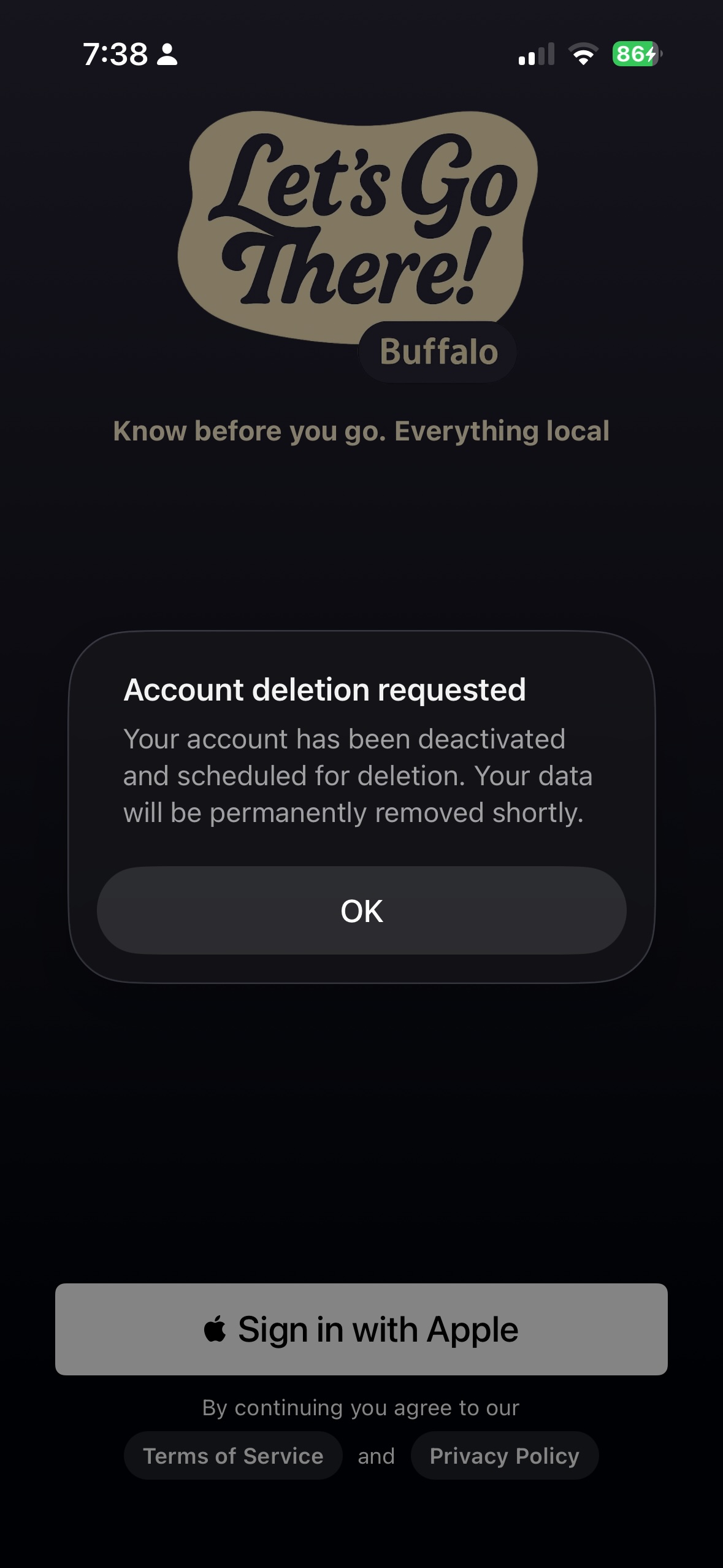
- Confirm on the prompt. Your account is deactivated immediately, you're signed out, and your data is permanently removed.
What gets deleted
Deleting your account permanently removes all of the following. This cannot be undone:
- Your account and sign-in identity (Apple / Google)
- Your profile and app preferences
- Favorite and bookmarked venues
- Your message inbox and message activity
- Registered devices and push-notification tokens
- App usage / analytics events tied to your account
Note: if you purchased a subscription, the subscription itself is managed by Apple or Google. To stop billing, also cancel it in your App Store or Google Play account settings.
Timing & retention
When you confirm deletion your account is deactivated and signed out right away, and your data is removed shortly afterward. We do not retain your personal data after deletion, except where we are required to keep limited records to comply with legal obligations.
Can't access the app?
If you can no longer sign in, email us at support@letsgothereapp.com from the address associated with your account and we'll delete it for you.